

Control Valve Data
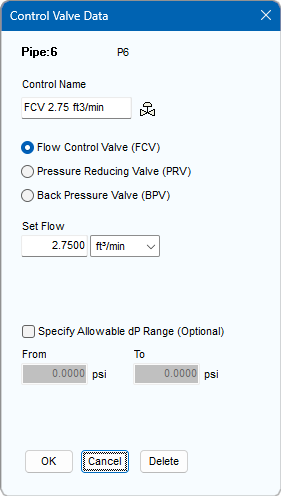
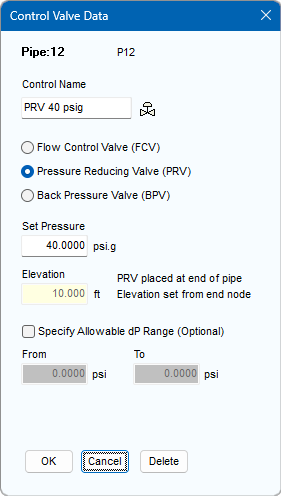
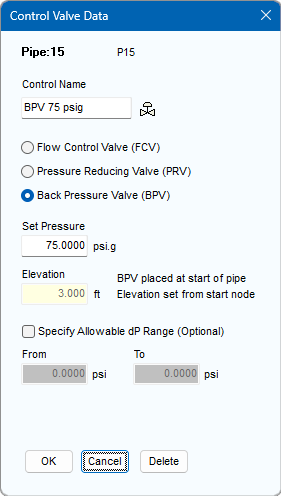
Figure 25 Control Valve Data Dialog
|
Feature |
Description |
|
Control Name |
Name of the Control Valve or P&ID number. |
|
Flow Control Valve |
Set control flow rate in the units displayed. |
|
Pressure Reducing Valve |
Set pressure required at the end of the Pipe. |
|
Back Pressure Valve |
Set back pressure required at the start of the Pipe. |
|
Specify Allowable dP Range |
Set allowable dP Range, a warning will be issued if the actual dP is outside the lower and upper values. |
|
OK |
Add the Control Valve type to the Pipe currently selected in the Drawing Pane. |
|
Cancel |
Close the dialog without making any changes. |
|
Delete |
Remove the Control Valve from the Pipe currently selected in the Drawing Pane. |