

Saving the System Results
The values displayed in the Results Tables can be saved to a Microsoft® Excel® .xlsx file. When you are saving from the Results Tables, only the values displayed on the currently selected tab are saved to the .xlsx file. To save all the result values, click the All Results tab before saving.
To save a pipe system’s results to an .xls or .xlsx file:
- After a pipe system has been calculated and solved, click the View Results Sheet button on the Results Log dialog to open the Results Sheet or close the results log and click the Results Sheet button on the tool bar.
- Click the tab containing the values you want to save.
- Click the Save button,
 , or select File | Save to Excel to open the Save As dialog.
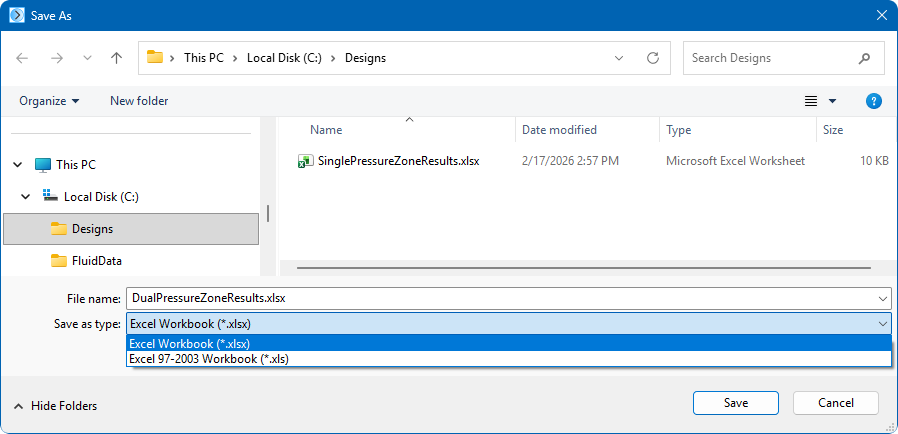
Figure 162 Save Results as Excel File Dialog
- Select Excel Workbook (*xlsx) or Excel 97-2003 Workbook (*.xls) from the Save as type list.
- Click Save to save the pipe system results from the selected tab.