

Node Updates Tab
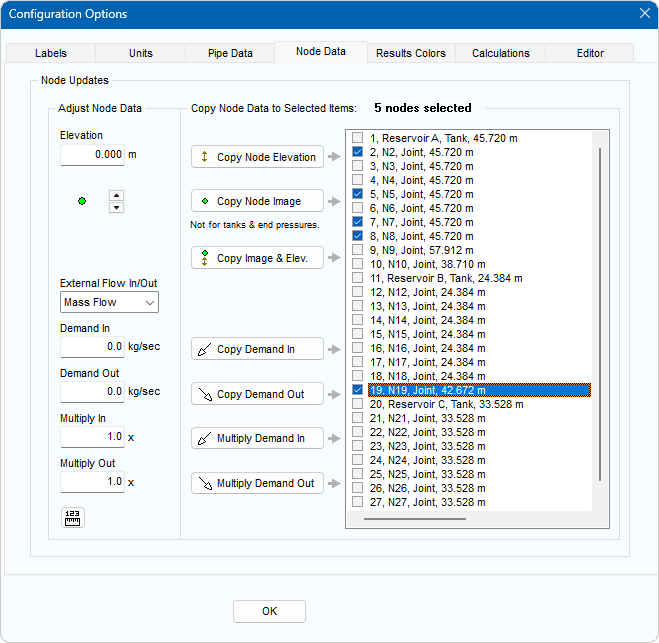
Figure 32 Configuration Options Dialog - Node Data Tab
|
Feature |
Description |
|
Copy Node Elevation |
Copy the elevation to the Nodes selected in the listing. |
|
Copy Node Image |
Copy the Node image to the Nodes selected in the listing. |
|
Copy Image and Elevation |
Copy the Node image and the elevation to the Nodes selected in the listing. |
|
Copy Demand – Flow In |
Copy the additional flow in values entering the system at the Node selected in the listing. |
|
Copy Demand – Flow Out |
Copy the additional flow out values leaving the system at the Node selected in the listing. |
|
Multiply Demand In |
Multiply the in flow demand values by the specified amount for the Nodes selected in the listing. |
|
Multiply Demand Out |
Multiply the out flow demand values by the specified amount for the Nodes selected in the listing. |
|
OK |
Close the configuration options Node updates tab. |